 gmap
gmapFree address and coordinate tools
Both tools call the GMap Cloud API with the demo key, so you can check the data for your area before building it into your app.
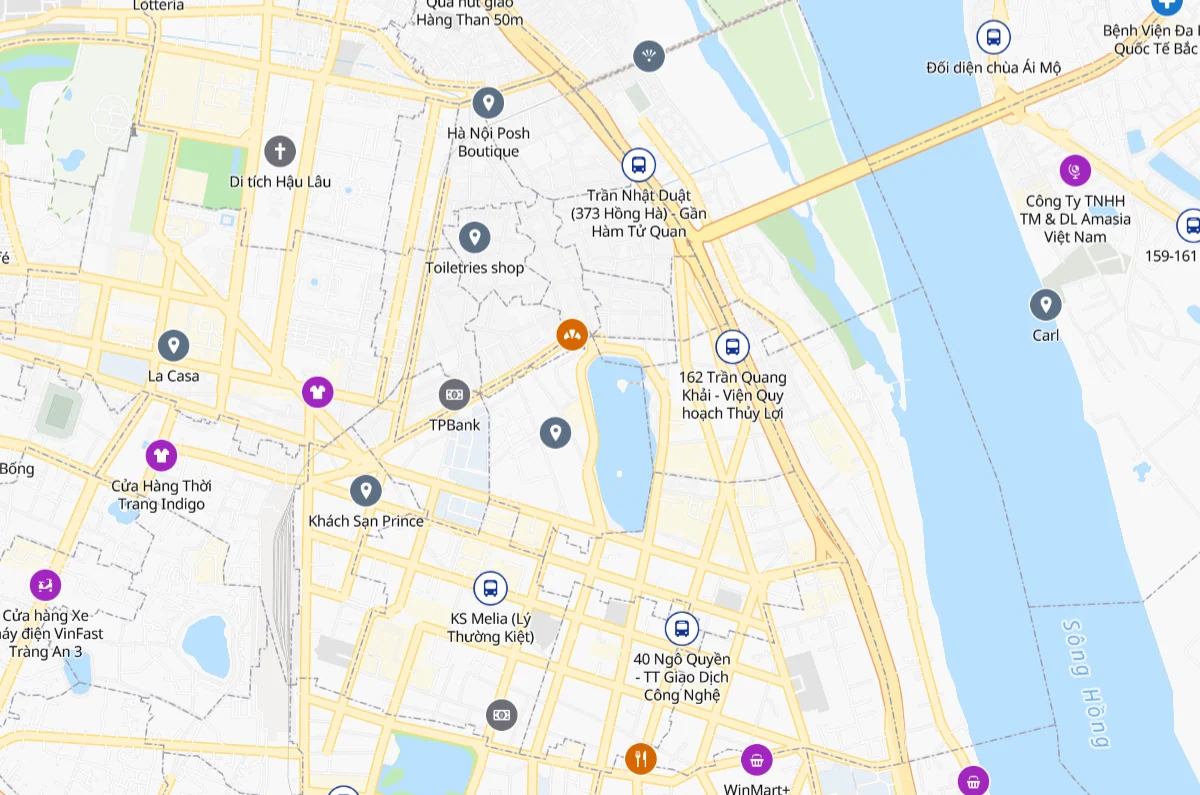 Convert former Vietnamese addresses to the new 2025 formatEnter an address, place name or coordinate to see its address under the 63-province (three-level) and 34-province (two-level) models, with WGS84 and VN-2000 coordinates.Open the tool
 Online VN-2000 ↔ WGS84 coordinate converterConvert VN-2000 coordinates to WGS84 or back using each province’s TM-3 zone (34 or 63 provinces) or UTM. Free and runs in your browser.Open the tool
Old–new address converter
Enter an address, place name or coordinate to see its address under the 63-province (three-level) and 34-province (two-level) models, with WGS84 and VN-2000 coordinates.
How to use it
- Enter an address, a place name or a “latitude, longitude” coordinate.
- GMap finds the best match and reverse-geocodes its coordinate.
- Compare the 63-province address (province – district – commune) with the 34-province address (province – commune).
VN-2000 converter
Convert VN-2000 coordinates to WGS84 or back using each province’s TM-3 zone (34 or 63 provinces) or UTM. Free and runs in your browser.
How to use it
- Choose a direction and a province (new or former boundaries) to set the zone.
- Enter WGS84 latitude and longitude, or VN-2000 coordinates in metres.
- Copy the result, or use the same parameters with the transform API.