gmap
gmapAPI mapping
| Google Maps Platform | GMap Cloud |
|---|---|
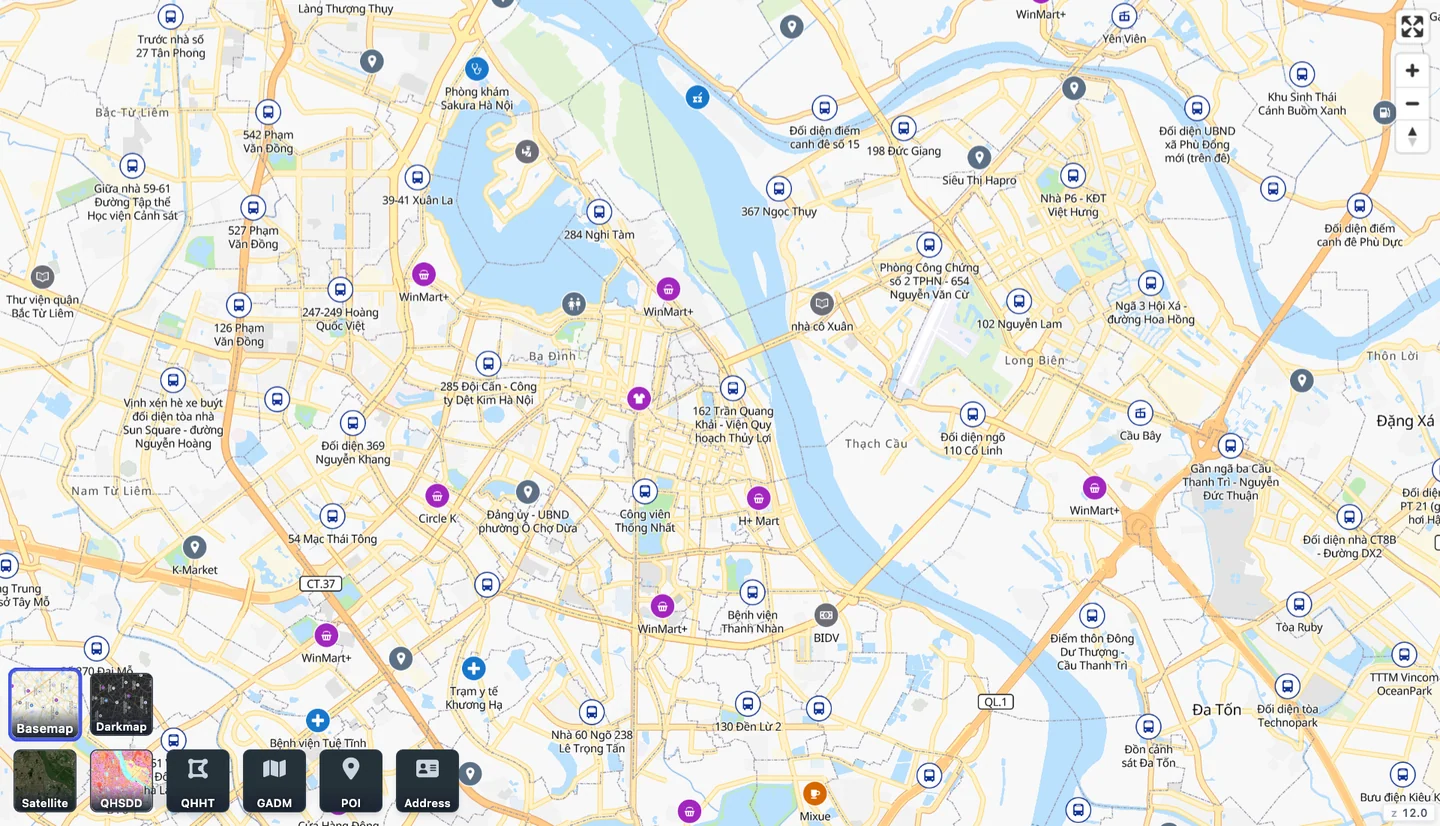
| Maps JavaScript API | MapLibre GL JS + /api/tiles/style/basemap (or darkmap) |
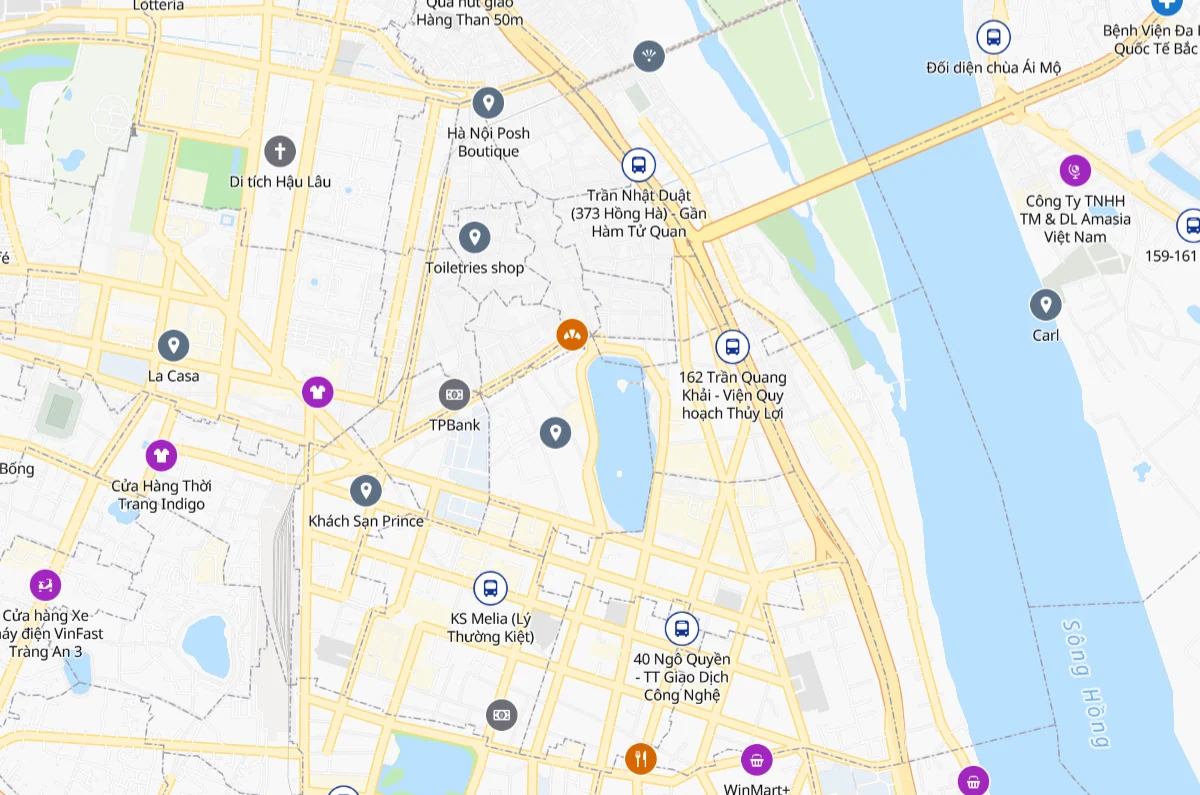
| Geocoding API (address → coordinates) | GET /api/idunn/v1/search |
| Geocoding API (coordinates → address) | GET /api/idunn/v1/reverse/{lat}:{lon} |
| Places Autocomplete | GET /api/idunn/v1/autocomplete |
| Place Details | GET /api/idunn/v1/places/{id} |
| Directions API | GET /api/route/v1/{mode}/{coordinates} |
| Distance Matrix API | POST /api/tsp/route/sources_to_targets |
| Route Optimization | POST /api/tsp/route/optimized_route |
| — | Isochrones, VN-2000 conversion, 63/34-province addresses, parcels |
What to change in your code
- Coordinate order: GeoJSON uses [longitude, latitude], not { lat, lng } objects.
- Pass the key in the x-api-key header or query parameter.
- Search results are GeoJSON FeatureCollections; the address label is properties.geocoding.label.
- Maps use MapLibre: google.maps.Marker becomes maplibregl.Marker, InfoWindow becomes maplibregl.Popup.
- Addresses can include both the 63-province and 34-province form (subtype addr63/addr34).
Migration plan
- List the map calls you use and the traffic for each.
- Run both side by side on a sample of your own addresses and compare.
- Switch one feature at a time (maps, search, routing) and keep a way back.
- Agree keys, traffic and data coverage with GMap before switching everything.