gmap
gmapAPI key
Every request needs a key in the x-api-key header or query parameter. To try things out, use the public demo key below; it is rate-limited. For production, GMap issues a key for your application.
public-gmap-cloud-x-api-key-demoYour first call
Search for a place by name. The result is a GeoJSON FeatureCollection.
curl --get 'https://cloud.gmap.vn/api/idunn/v1/search' \
  --header 'x-api-key: public-gmap-cloud-x-api-key-demo' \
  --data-urlencode 'q=Chợ Hàn Đà Nẵng' \
--data 'lang=vi'const KEY = 'public-gmap-cloud-x-api-key-demo';
const url = new URL('https://cloud.gmap.vn/api/idunn/v1/search');
url.search = new URLSearchParams({ q: 'Chợ Hàn Đà Nẵng', lang: 'vi', 'x-api-key': KEY });
const { features } = await fetch(url).then((response) => response.json());
const [lon, lat] = features[0].geometry.coordinates;
console.log(features[0].properties.geocoding.label, lat, lon);
// Chợ Hàn Đà Nẵng, Phường Hải Châu, Thành phố Đà Nẵng, Việt Nam 16.0682606 108.224093GeoJSON puts longitude first: coordinates = [longitude, latitude]. This is the most common mistake when starting out.
Show the place on a map
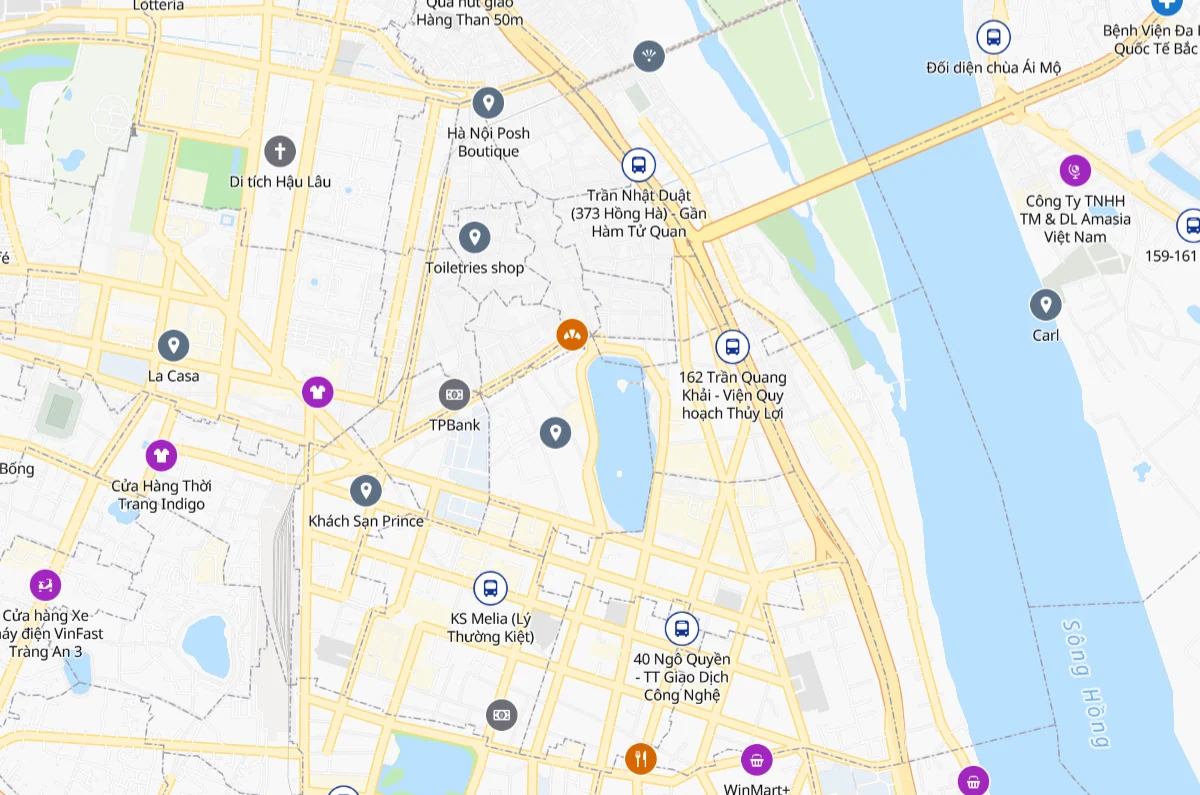
The GMap basemap is a ready-made MapLibre style with fonts, sprites and a places layer. Paste this into an HTML file and open it in a browser.
<link rel="stylesheet" href="https://unpkg.com/maplibre-gl@4.7.1/dist/maplibre-gl.css">
<script src="https://unpkg.com/maplibre-gl@4.7.1/dist/maplibre-gl.js"></script>
<div id="map" style="height: 420px"></div>
<script>
  const KEY = 'public-gmap-cloud-x-api-key-demo';
  const map = new maplibregl.Map({
    container: 'map',
    style: `https://cloud.gmap.vn/api/tiles/style/basemap?x-api-key=${KEY}`,
    center: [108.224093, 16.0682606],
    zoom: 15,
  });
  new maplibregl.Marker()
    .setLngLat([108.224093, 16.0682606])
    .setPopup(new maplibregl.Popup().setText('Chợ Hàn Đà Nẵng'))
    .addTo(map);
</script>Common errors
| Symptom | Cause | Fix |
|---|---|---|
| HTTP 401, "No API key found in request" | Missing or wrong API key | Add the x-api-key header or query parameter |
| HTTP 429 | The key is over its rate limit | Wait for the RateLimit-Reset header, then retry; use your own key in production |
| Marker in the wrong place (often at sea) | Latitude and longitude swapped | GeoJSON is [longitude, latitude]; so is MapLibre setLngLat |
| No results | Query too short or missing context | Add the ward or province, or reverse-geocode a coordinate |
Every response carries X-RateLimit-Remaining-Second, -Minute and -Hour headers with the calls left. Handle 401 and 429 from the start:
const response = await fetch(url);
if (response.status === 401) throw new Error('Missing or invalid API key');
if (response.status === 429) {
  const wait = Number(response.headers.get('RateLimit-Reset') ?? 1);
  // Retry after the reset window instead of hammering the API.
  await new Promise((resolve) => setTimeout(resolve, wait * 1000));
}
const data = await response.json();Next steps
- Build an address field with suggestions for your checkout.
- Match old and new addresses after the 2025 merger.
- Pick the nearest warehouse or map delivery areas with the routing APIs.