gmap
gmapYour first map
Load MapLibre GL JS (pin a version), create a container with a height and point the style at GMap.
<link rel="stylesheet" href="https://unpkg.com/maplibre-gl@4.7.1/dist/maplibre-gl.css">
<script src="https://unpkg.com/maplibre-gl@4.7.1/dist/maplibre-gl.js"></script>
<div id="map" style="height: 420px"></div>
<script>
  const KEY = 'public-gmap-cloud-x-api-key-demo';
  const map = new maplibregl.Map({
    container: 'map',
    style: `https://cloud.gmap.vn/api/tiles/style/basemap?x-api-key=${KEY}`,
    center: [108.224093, 16.0682606],
    zoom: 15,
  });
  new maplibregl.Marker()
    .setLngLat([108.224093, 16.0682606])
    .setPopup(new maplibregl.Popup().setText('Chợ Hàn Đà Nẵng'))
    .addTo(map);
</script>Light or dark with the system theme
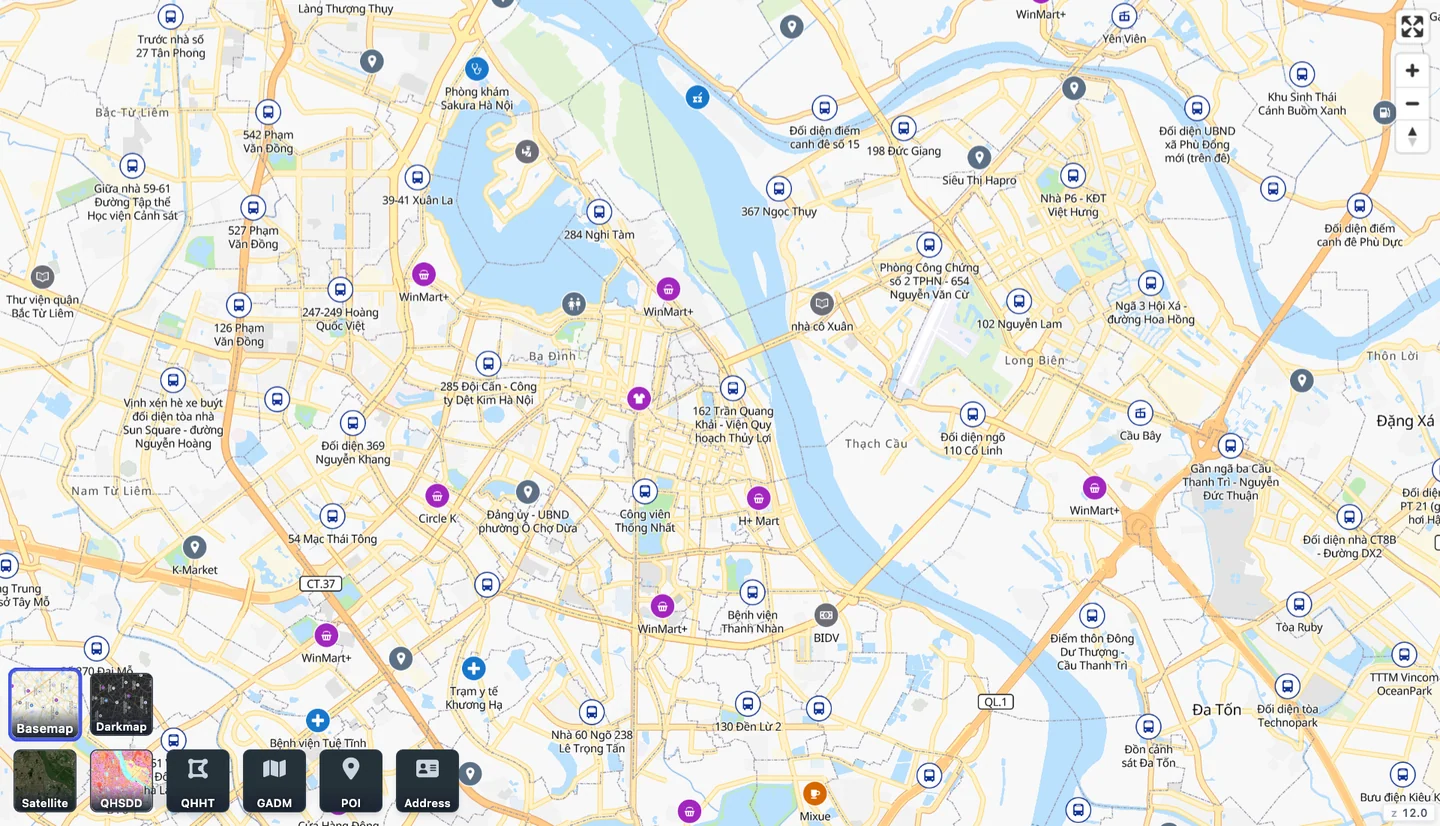
GMap has two styles with the same data: basemap (light) and darkmap (dark). Switch when the operating system changes mode:
const dark = matchMedia('(prefers-color-scheme: dark)');
const style = () =>
  `https://cloud.gmap.vn/api/tiles/style/${dark.matches ? 'darkmap' : 'basemap'}?x-api-key=${KEY}`;

const map = new maplibregl.Map({ container: 'map', style: style(), center: [105.8539, 21.0283], zoom: 14 });
dark.addEventListener('change', () => map.setStyle(style()));Before going to production
- Pin the MapLibre version (for example maplibre-gl@4.7.1) so the map does not change when the library releases.
- The API key sits in browser code, where anyone can read it; talk to GMap about production keys.
- Keep the attribution the style shows in the map corner.
- Satellite imagery is a separate raster layer; see the API docs for coverage and usage.